A few screens
The list, the detail views, and the widgets.
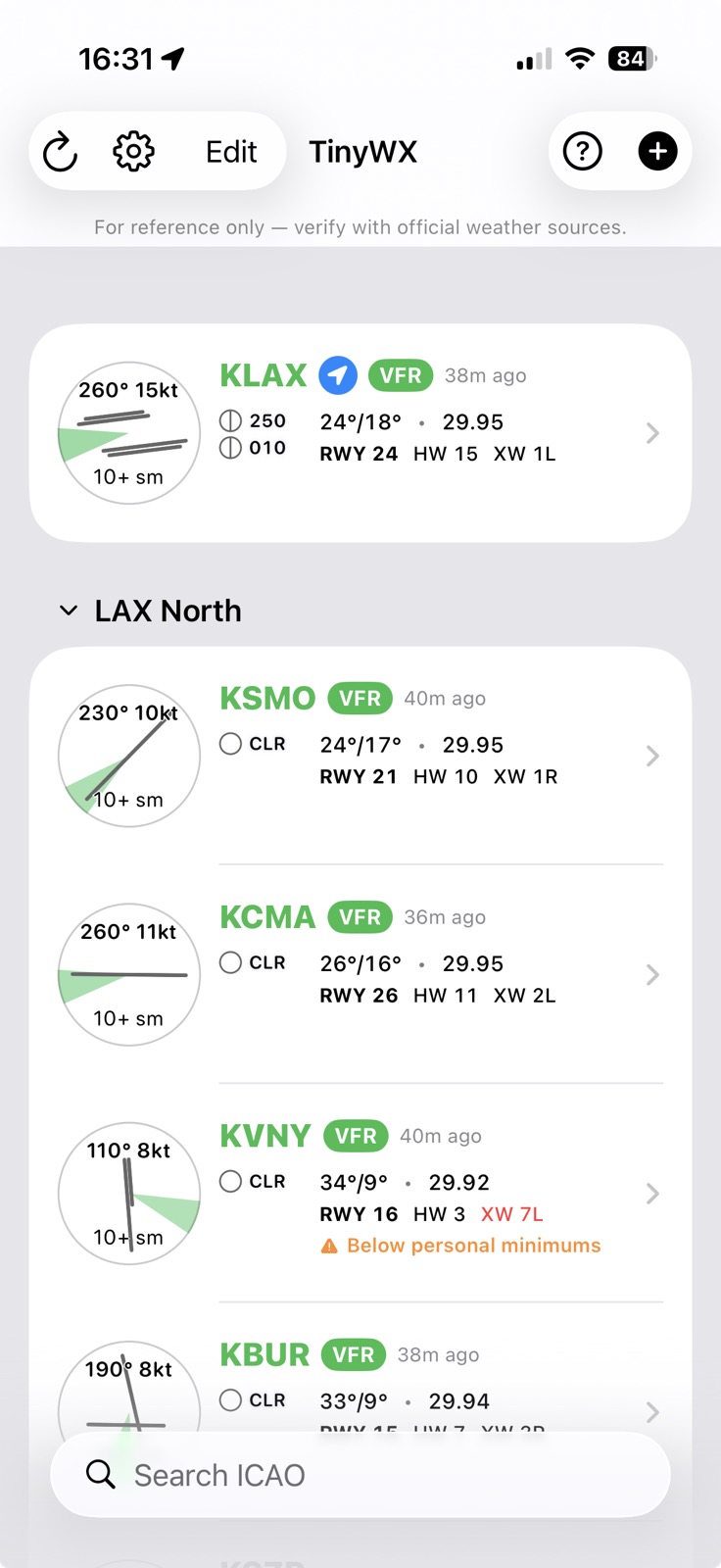
Airport list
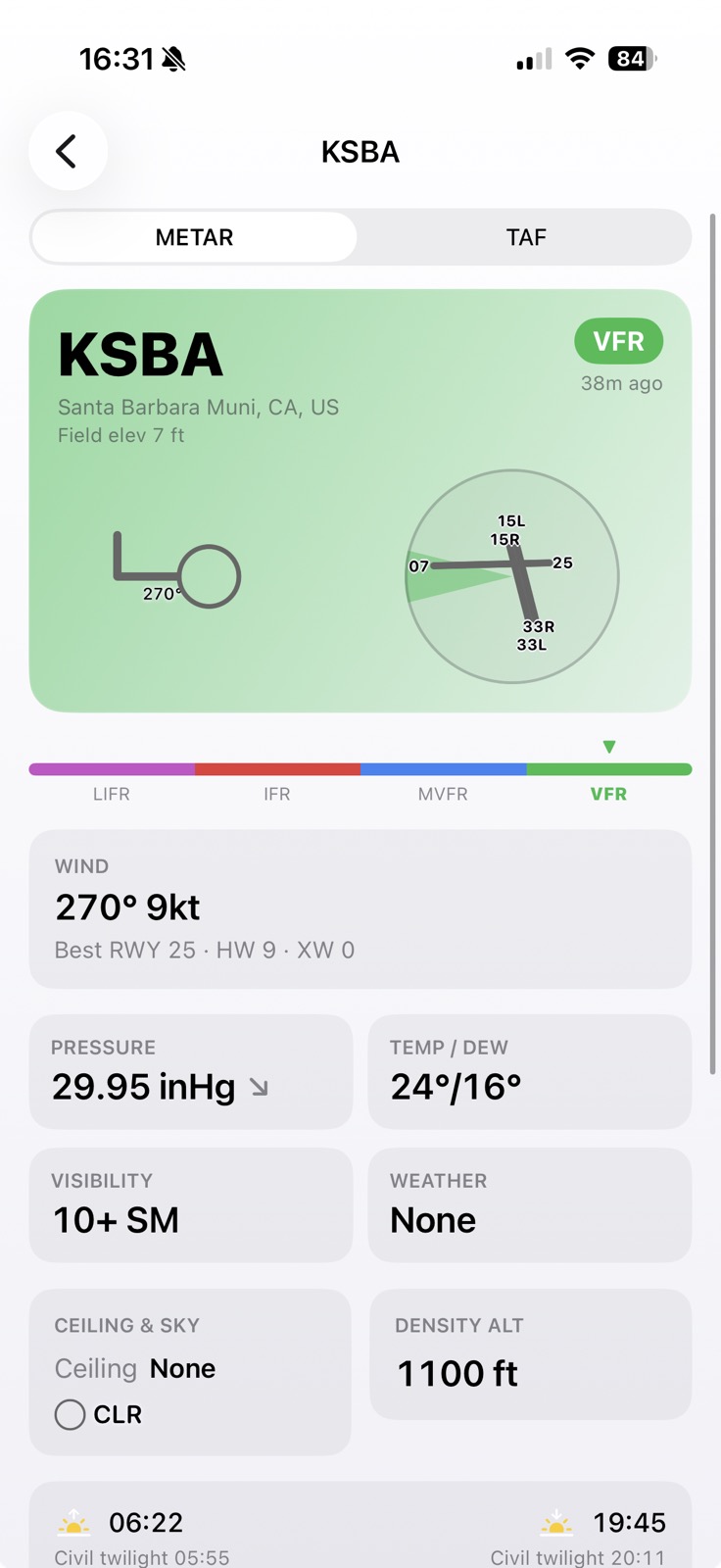
METAR detail
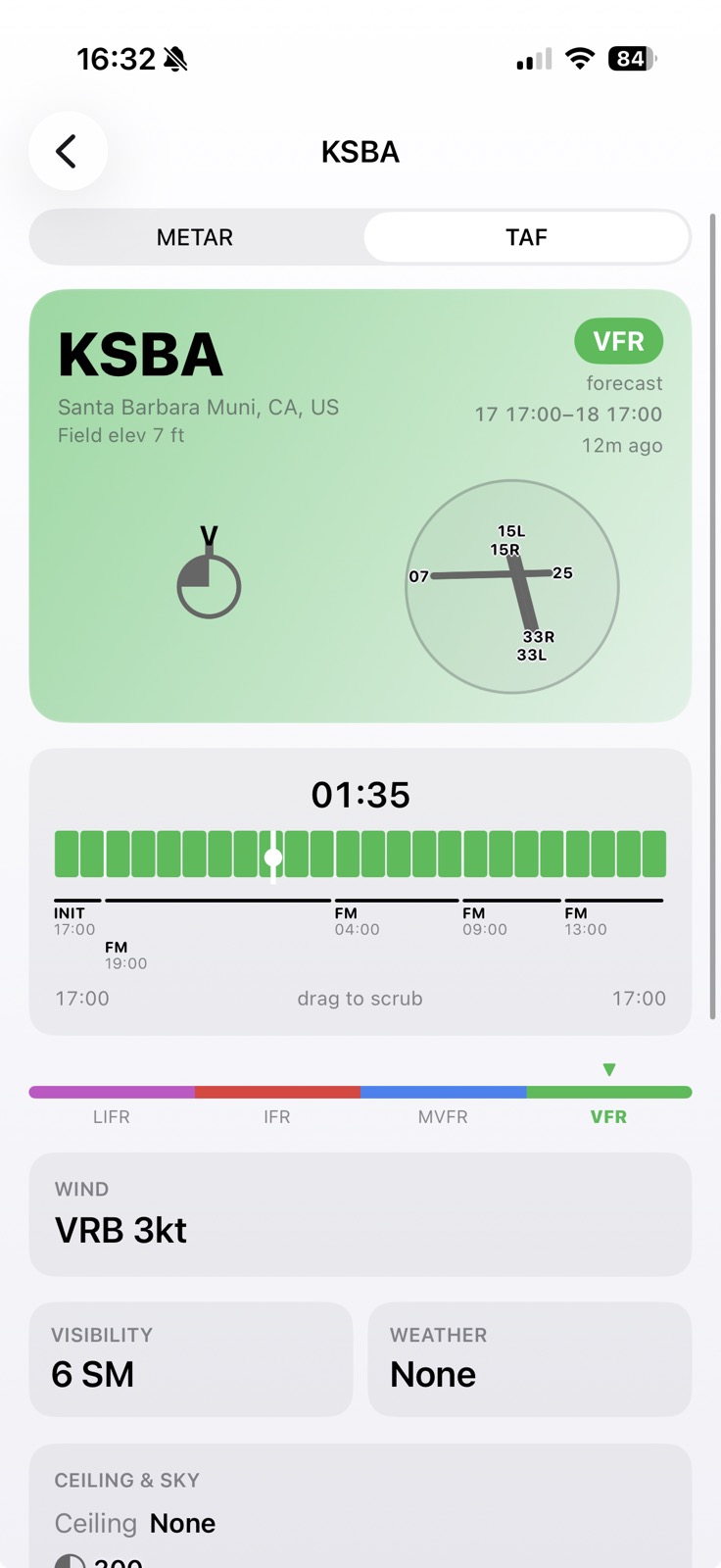
TAF timeline
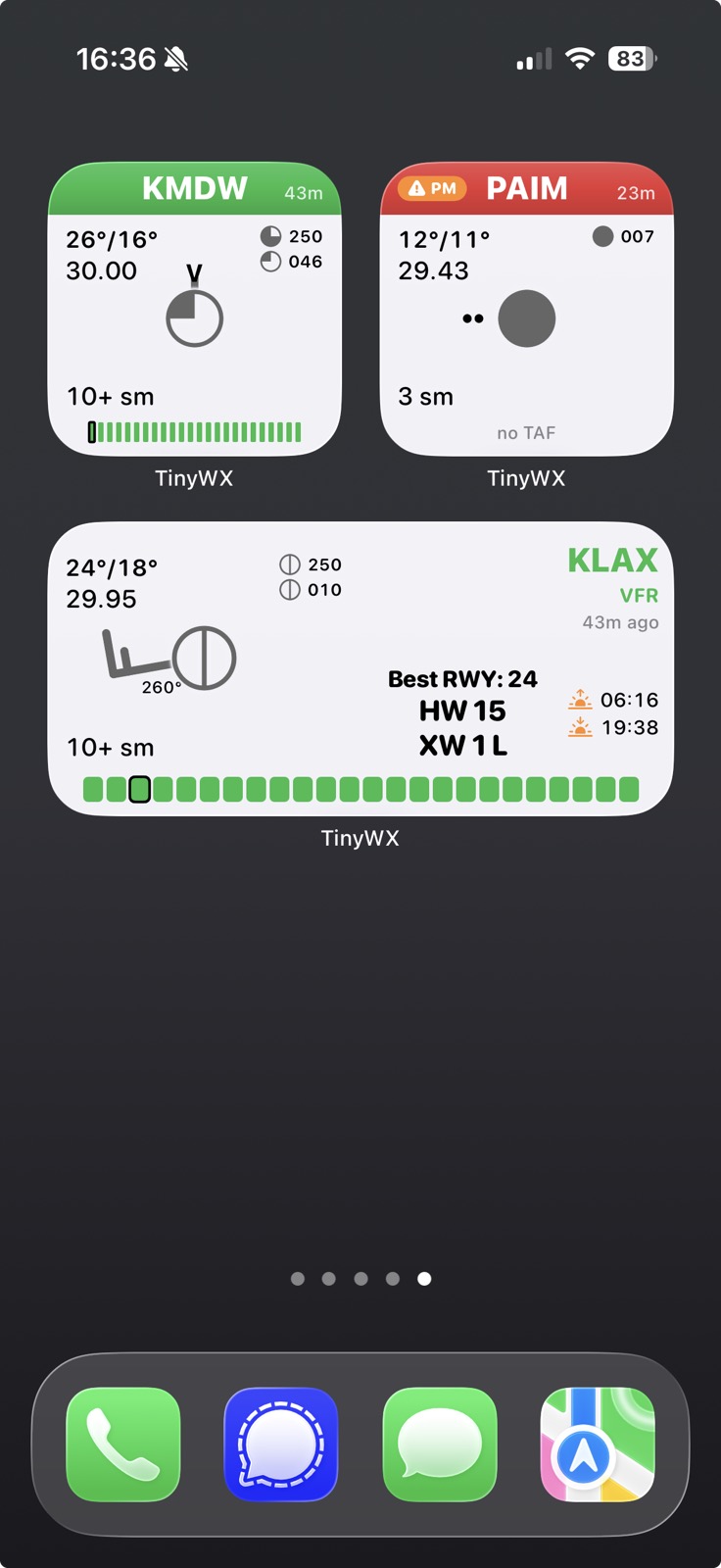
Home widgets
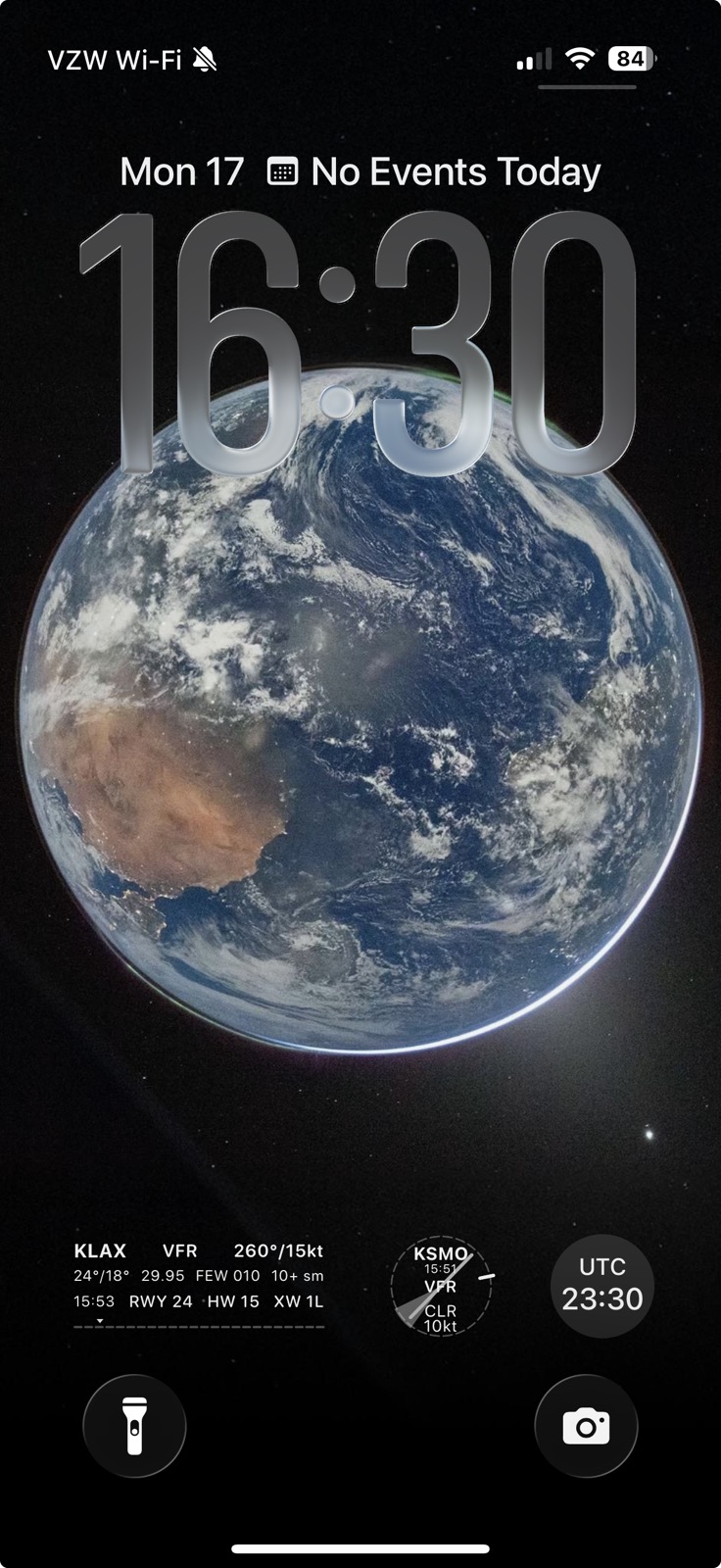
Lock Screen
A small iPhone app for METARs and TAFs — decoded, colored by flight category, with Home and Lock Screen widgets for the airports you check most.
iPhone, iOS 17 or later, and the TestFlight app.
At-a-glance aviation weather information useful to pilots
Current conditions and forecasts for any ICAO station, written out in plain language. The raw text is one tap away if you want it.
Every card, widget, and forecast period is colored VFR, MVFR, IFR, or LIFR, so a glance tells you where a field stands.
Small, medium, inline, and circular widgets for your Home and Lock Screen. There's a UTC clock too.
For each field, the runway most into the wind, with headwind and crosswind components and a runway diagram.
Set your own limits, and any field that busts them gets flagged in the list — a crosswind past what you're comfortable with, say.
Drag along the forecast to see the category and conditions change by FM period, out to the end of the TAF.
The closest reporting station shows up at the top of the list, based on where you are.
Density altitude, ceiling and sky, visibility, altimeter, temp/dew point, and sunrise, sunset, and civil twilight.
Group airports however makes sense to you, add or search by ICAO, and pull to refresh.
The list, the detail views, and the widgets.
Leave your email and I'll send an invite with instructions. TestFlight app from the App Store.